
Keywords Dynamics: Faster and Easier Access 👍

The icon to reflect Keywords Dynamics chart has been placed to the left of each keyword.
It’s very important to see not only the common chart with your rankings but also have the ability to figure account particular changes.
Previously, the rankings for a specific keyword could be accessed via "Column Chooser’ and a certain column in a table.
Now we’ve created a separate button to speed up the chart appearing for you.
It’s faster and easier to display a chart now and you don’t need to do it from a table.
We totally understand that you’re used to seeing keywords dynamics chart right in the table. So, this feature will also be kept live soon to allow you enjoying all possible options within RankActive.
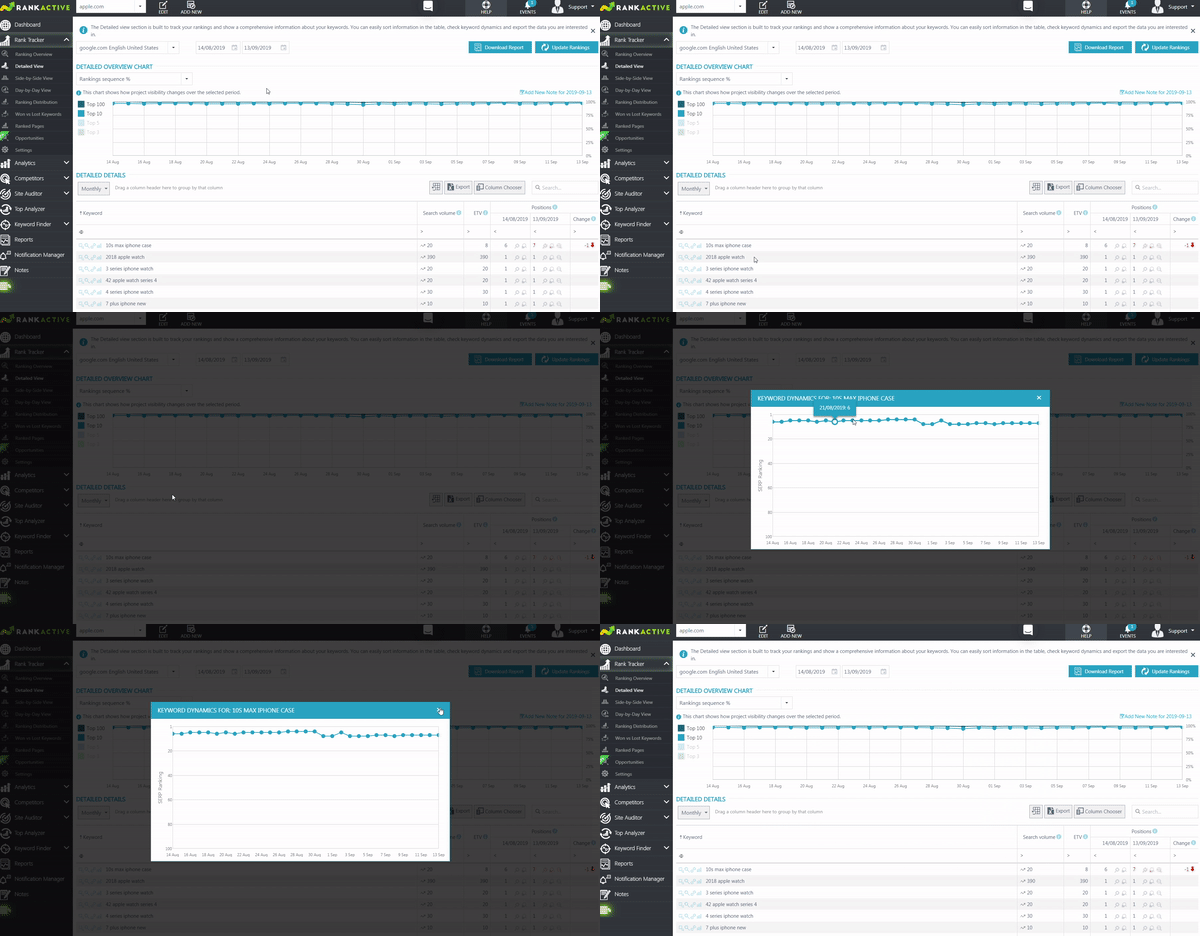
Analyze the rankings for a specific keyword and don’t miss any "Google dances".